Introduction
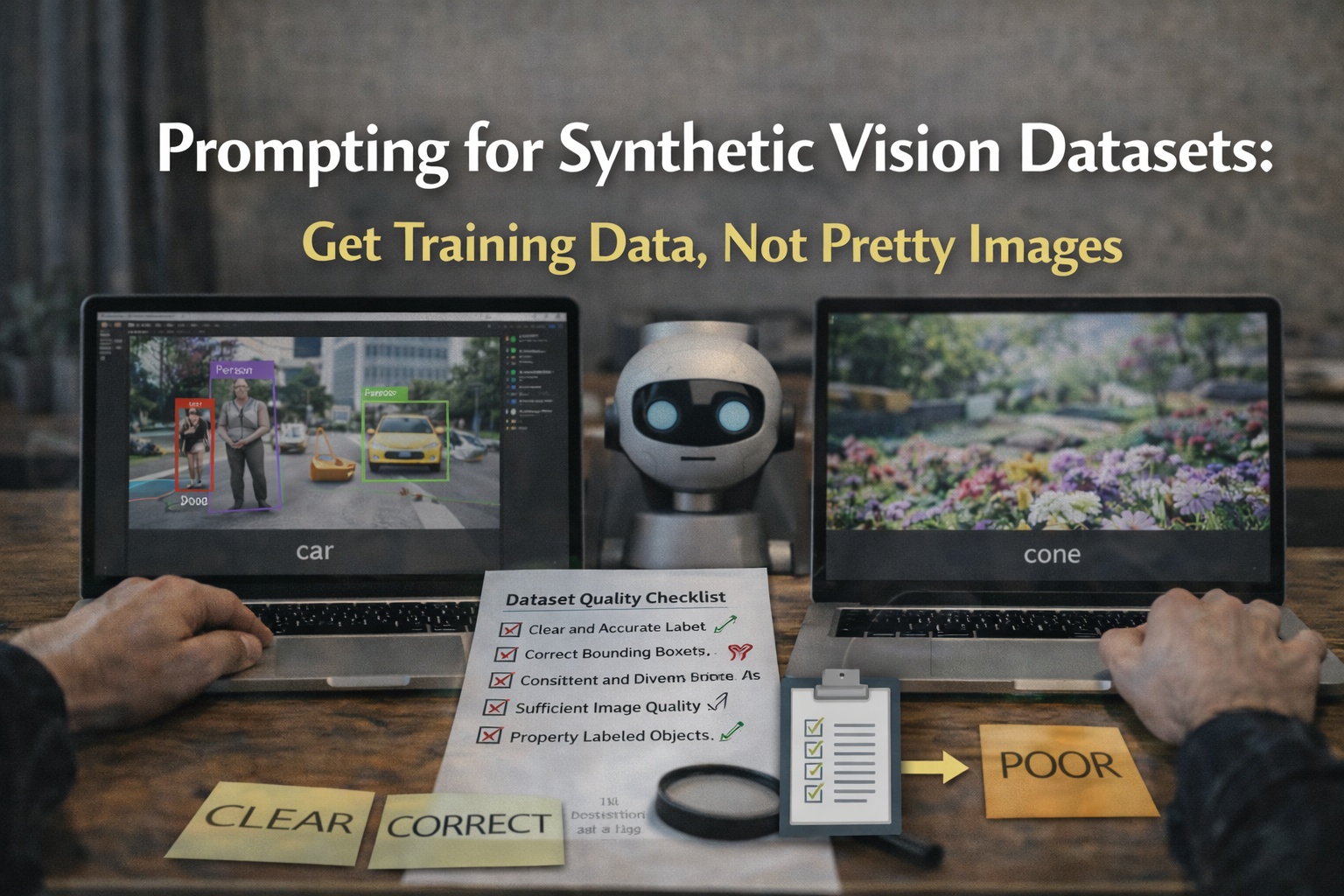
Most prompts fail because they optimize for aesthetics. Training data needs something else: consistent objects, controlled variation, and scenes that can be labeled reliably.
Start here:
The dataset prompting mindset (2026)
Your goal is not "nice images". Your goal is:
- labelability
- coverage
- realism that matches your deployment camera
- repeatability
If you cannot explain how a batch improves coverage, do not generate it.
Principle 1: Describe the object like a labeler
Good prompt elements:
- object name and subtype
- size in frame (percentage)
- viewpoint (top-down, 45-degree, eye-level)
- background style (clean, cluttered, production-like)
- lighting and contrast (so edges are clear)
Avoid vague style words that introduce artifacts.
Principle 2: Control variables, do not move everything
Pick one variable per batch:
- background type
- angle
- lighting
- occlusion
- distance
If you change five variables at once, you cannot debug failures.
Principle 3: Plan coverage in batches
A plan that works:
Batch A (clean):
- single object, centered, plain background, clear edges
Batch B (moderate clutter):
- object on table with 3 to 6 distractors, still clearly visible
Batch C (occlusion):
- object partially occluded by box or hand, still detectable
Batch D (production-like):
- environment close to deployment scenes, mixed lighting, realistic camera distance
Evaluate after each batch. Scale only after training improves.
Principle 4: Reduce prompt noise
Words that often harm dataset usability:
- cinematic
- concept art
- surreal
- fantasy
- dramatic lighting
Words that often help:
- realistic
- clear edges
- consistent lighting
- minimal motion blur
- main object occupies 25-50 percent of frame
Prompt templates
Template 1 (single object):
- "[object] centered, plain background, realistic lighting, clear edges, minimal clutter"
Template 2 (detection scene):
- "[object] in [environment], [lighting], [camera angle], realistic, clear edges, object occupies 25-50 percent of frame"
Template 3 (occlusion):
- "[object] partially occluded by [occluder], [environment], realistic lighting, still clearly visible"
Debugging failures: what to change
- Objects too small
- enforce scale requirement
- avoid wide shots
- reduce "in the distance" type phrasing
- Too much clutter
- reduce distractors
- force "one main object"
- reduce overlap
- Labels are unreliable
- simplify backgrounds
- increase contrast
- reduce reflections and transparent surfaces
- Training does not improve
- check leakage
- check domain mismatch
- mix in some real images for calibration
- run the dataset checklist:
- https://images.cv/blog/object-detection-dataset-quality-checklist (or search this title on your blog)