Introduction
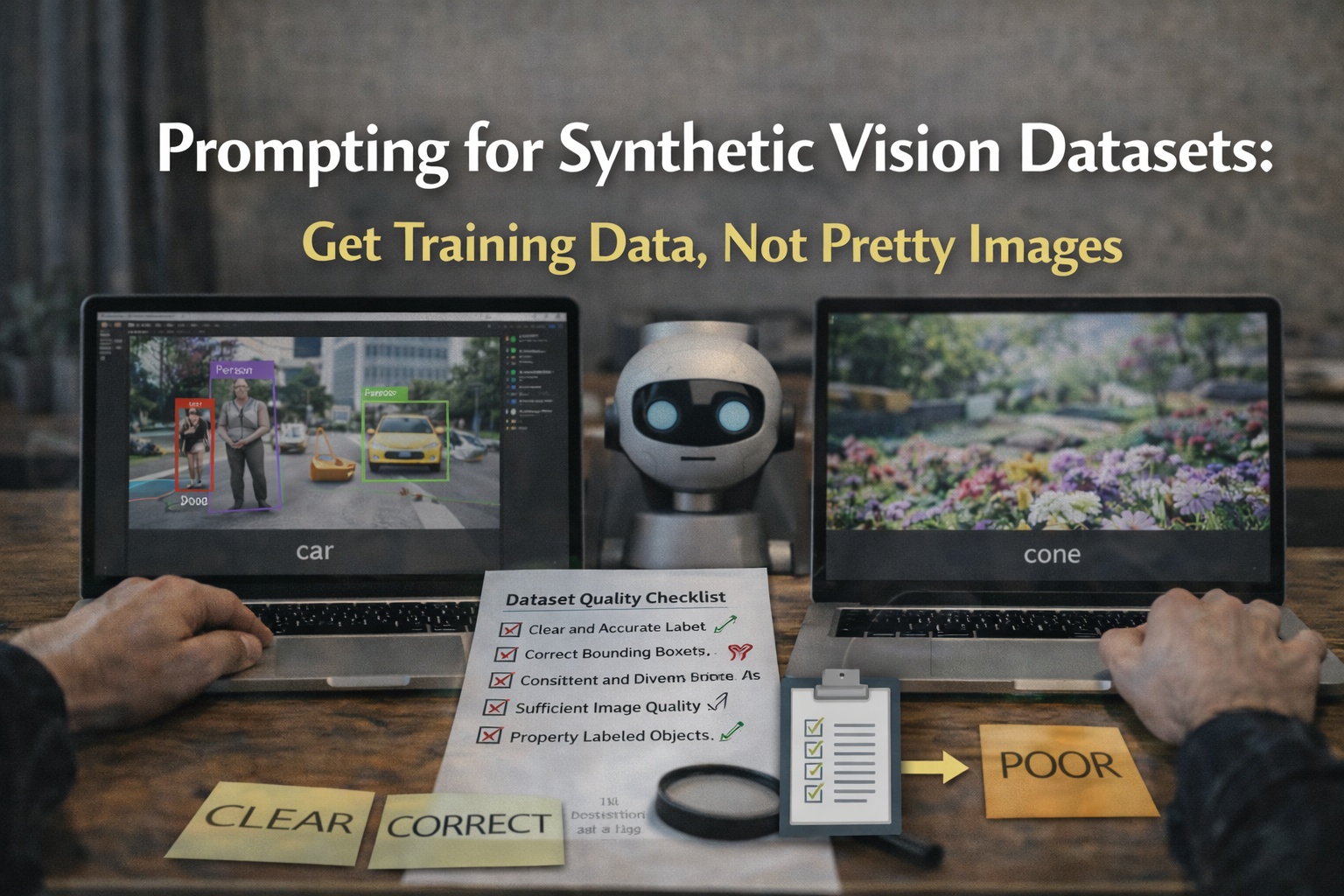
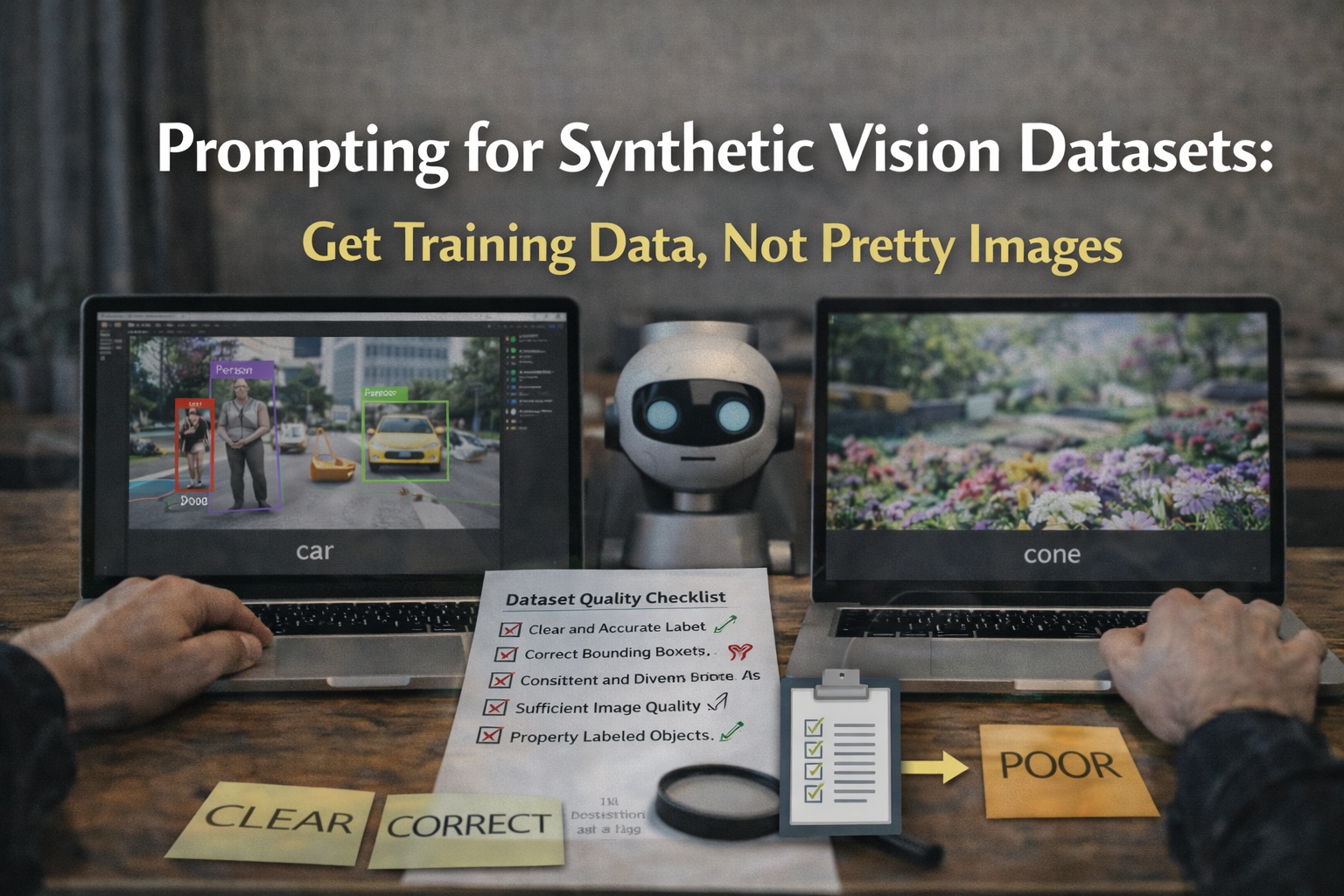
Synthetic data is only useful if it improves model metrics on your target domain. In 2026, most teams still fail because they generate "nice" images, not training data.
This workflow is built for real results: planned prompts, batch coverage, label QA, and fast baselines. images.cv is the fastest way to generate a labeled dataset that exports both YOLO and COCO:
Step 1: Define the task like an engineer, not a marketer
Write:
- the classes (with edge cases)
- the minimum object size in frame
- the camera conditions you must match (lighting, distance, lens)
- success metrics (mAP, per-class recall, latency constraints)
If you cannot define this, stop. Data generation will be random.
Step 2: Plan batches (coverage first)
Do not generate 5,000 random images. Generate 4 batches of 200 to 500 and evaluate between them.
Batch A: clean
- centered objects, plain background, high contrast
Batch B: moderate clutter
- 3 to 6 distractors, still one main object
Batch C: occlusion
- partial obstruction, still detectable
Batch D: production-like
- backgrounds and lighting similar to deployment
Step 3: Prompt for labelability
Prompt rules that work:
- describe the object precisely
- control viewpoint and scale
- keep the scene measurable
Example template:
- "[object] in [environment], [lighting], [camera angle], realistic, clear edges, object occupies 25-50 percent of frame"
Avoid:
- cinematic
- dramatic
- surreal
- fantasy
Step 4: Generate and export in the format your trainer expects
Use a generator that outputs:
- images/
- YOLO labels (txt)
- COCO annotations (coco.json)
- meta.json with class mappings
images.cv exports YOLO and COCO in a consistent package:
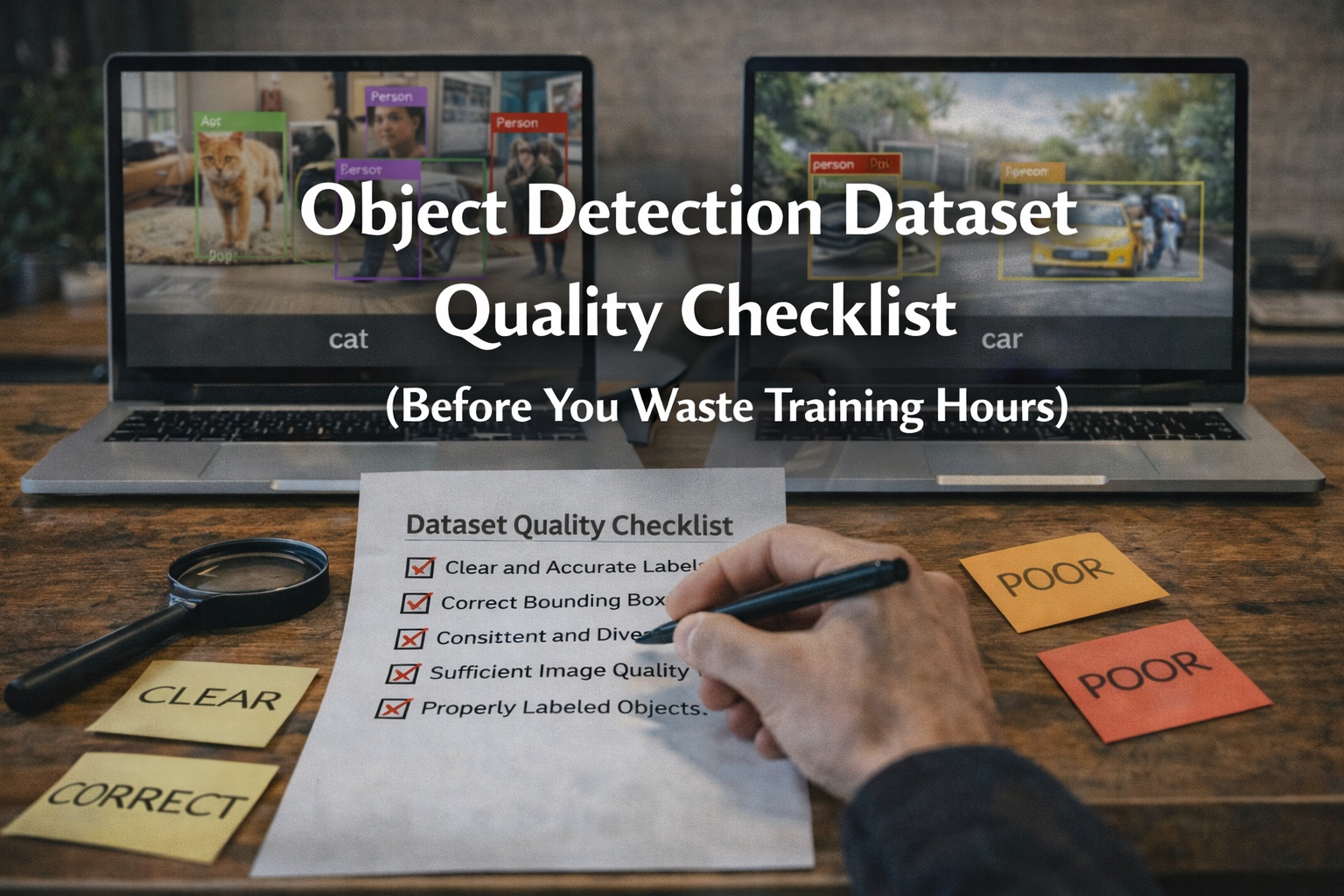
Step 5: Run dataset QA before training
You need three checks:
- Visual overlay check
- render boxes on 50 random images
- Distribution check
- instance counts per class
- object size distribution
- Leakage check
- avoid near-duplicates across splits
Use the dataset checklist:
- search your blog for "Object Detection Dataset Quality Checklist"
Step 6: Train a small baseline and iterate
Train a baseline quickly. The goal is comparison, not perfection.
- same model
- same training steps
- compare batches
Look at:
- per-class recall (the most honest signal)
- failure patterns (small objects, occlusion, dark scenes)
Step 7: Iterate surgically
If recall is weak on small objects:
- enforce larger object scale in prompts
- generate close-up batches
If confusion is between similar classes:
- rewrite class definitions
- generate edge-case examples
If validation looks great but production fails:
- you likely have domain shift or leakage
Final note
Synthetic data works when it is treated as a controlled experiment. Your goal is not volume. Your goal is coverage and correctness.