Introduction
Synthetic data can speed up dataset creation, but only if you treat it like production data. That means: clear labels, controlled variation, quality checks, and measurable training impact. This article gives a step-by-step workflow that you can repeat for any detection problem (retail, industrial, road scenes, logistics).
If you want a practical starting point, use the generator page:
- https://images.cv/generate-labeled-image-datasets
- YOLO-focused page: https://images.cv/generate-yolo-labeled-image-datasets
When synthetic YOLO datasets work best
Synthetic data tends to work when at least one of these is true:
- You can clearly define the object boundaries (boxes are unambiguous).
- You need coverage (angles, lighting, backgrounds, occlusion) more than you need perfect realism.
- You can validate quality quickly by training a baseline model.
- The object class is visually consistent (products, parts, signs, tools).
Synthetic data is riskier when:
- The class is defined by subtle context (for example: “broken” vs “not broken” with tiny defects).
- The object is tiny in the frame and often blurred in real footage.
- Your real distribution is very specific (camera sensor noise, IR, thermal, unique lens distortion).
Step 0: Define label schema before you generate anything
Start simple. Too many classes will slow you down and reduce quality.
Checklist:
- Class names are stable and singular (helmet, screw, pothole).
- Each class has a clear decision rule a labeler could follow.
- You can explain edge cases (partial occlusion, reflections, cut-off objects).
If you change class definitions later, you often have to regenerate or relabel. Decide early.
Step 1: Collect 5-25 seed images
Your seeds set the limits of what the model can learn. Use variety:
- Angles: front, side, top-down, 45 degrees.
- Lighting: bright, dim, shadowed, indoor.
- Backgrounds: clean, cluttered.
- Object states: new, worn, dirty (if relevant).
- Scales: close-up and medium distance.
Avoid:
- Near-duplicates (same pose, same background).
- Seeds that include multiple target objects if you want “single main object” generations.
- Seeds with heavy motion blur unless that is your real-world condition.
Step 2: Generate the first batch (200) and run a quality audit
Do not scale until the first batch passes basic checks.
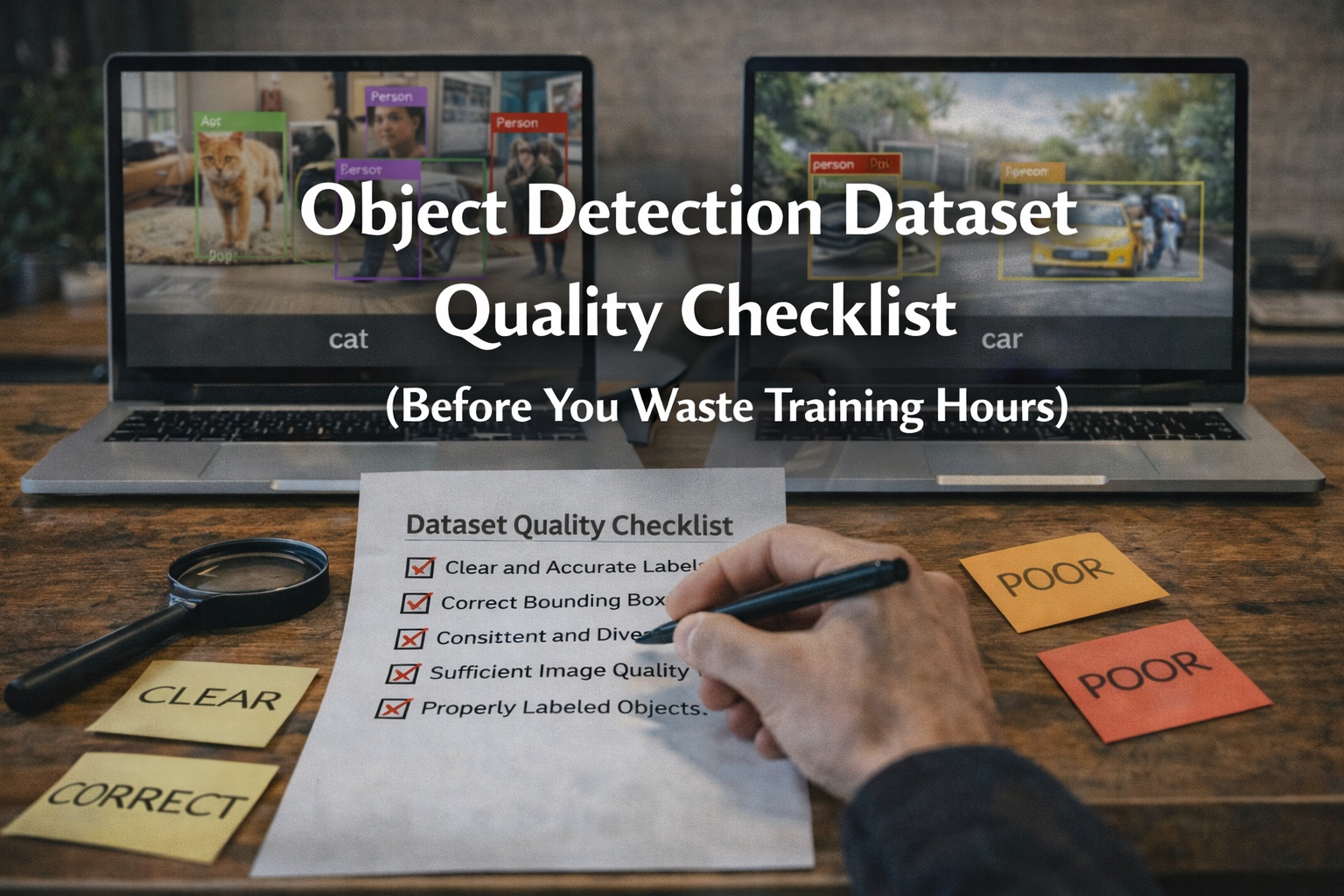
Audit checklist (fast and brutal):
- Box tightness: boxes hug object boundaries (not huge background).
- Missing labels: obvious objects are labeled.
- Class correctness: no class swaps.
- Object size: target is not tiny in most images.
- Failure patterns: repeated weird artifacts, duplicated scenes, inconsistent backgrounds.
Download the ZIP and open a random sample of 30 images. If you cannot approve 80 percent of them, do not generate more yet.
Step 3: Prevent leakage (train/val contamination)
Leakage is the silent killer of synthetic datasets. If train and validation contain near-duplicates, you get inflated metrics and a model that fails in production.
Practical rules:
- Split seeds first, then generate. Generate training images from training seeds and validation images from validation seeds.
- If you cannot split by seeds, split by similarity clusters (perceptual hash or embedding clustering).
- Never validate on images that are prompt-variations of a training image if the visuals are nearly identical.
Step 4: Train a baseline and measure lift
You do not need a perfect training recipe to evaluate whether the dataset is useful. You need consistency.
Run three experiments:
- Real-only baseline (if you have any real labeled set).
- Synthetic-only.
- Real + synthetic mix.
Track:
- [email protected] and [email protected]:0.95
- Precision and recall per class
- Confusion (wrong class vs background)
- Failure cases by scene type (dark, clutter, occlusion)
Decision rule:
- If real + synthetic improves recall without destroying precision, scale.
- If metrics worsen, fix generation quality first (seeds and constraints).
Step 5: Scale in batches, not in one big dump
Scale is a trap. If the first 200 are mediocre, 2000 will be a disaster.
Recommended scaling plan:
- Batch A (200): clean background, large object in frame.
- Batch B (200): moderate clutter and varied backgrounds.
- Batch C (200): occlusions, partial visibility.
- Batch D (200): harder lighting and motion blur (only if needed).
After each batch:
- Train the same baseline model.
- Compare metrics to the previous batch.
- Keep only what improves results.
Recommended YOLO dataset structure
A practical structure that works with common training scripts:
- images/train
- images/val
- labels/train
- labels/val
- data.yaml
- index.csv (optional but useful)
- meta.json (optional, store prompts, seed groups, generation config)
Common failure modes and fixes
-
Boxes too loose
- Force larger object scale in generation.
- Reduce multi-object scenes.
-
Too many unrealistic textures
- Remove artistic style words.
- Use realistic lighting terms, avoid “cinematic”, “hyperreal”, “octane render”.
-
Missing labels
- Reduce clutter and occlusion until labeling stabilizes.
- Generate fewer objects per scene.
-
Dataset looks good but training does not improve
- Check leakage.
- Check domain mismatch (background distribution, sensor, resolution).
- Add real data for calibration.
Next steps
- Generate a first project: https://images.cv/generate-labeled-image-datasets
- YOLO page: https://images.cv/generate-yolo-labeled-image-datasets
- Segmentation page: https://images.cv/generate-image-segmentation-datasets
If you want results, the key is not “more images”. The key is tighter control and a repeatable audit loop.